 aibbywow.com
How to make a BbY WOW AI video from one photo
Choose a clear photo, understand the four party looks, and plan your clip before spending credits.
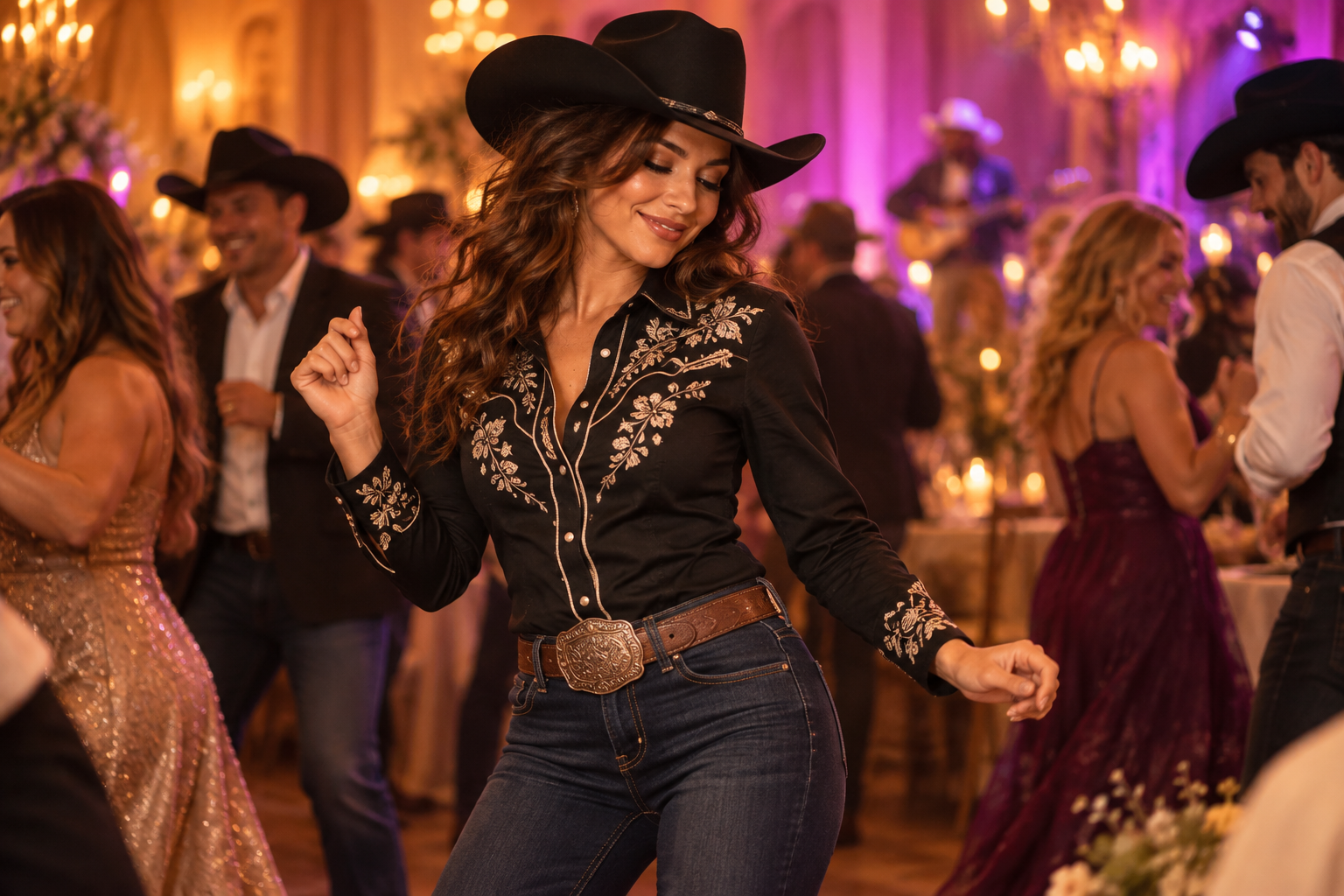
Searching for the BbY WOW dance can lead to choreography tutorials as well as AI party edits. This guide covers the one-photo AI version: a new character in a reference party scene. It does not teach the song’s choreography or supply the original recording.
Start with the look, not a long prompt
BbY WOW searches lead to several party-dance variations. A black cowboy hat, a casual walk-in and a muscular character can share a similar movement without being the same template. Watch the complete reference before choosing. A thumbnail tells you about the outfit; it does not show how the face behaves during the turn.
On this site, the four references are Cowboy, Original Walk-In, Bucket Hat and Muscle. These are reference clips from another creator's site, not examples generated by aibbywow.com. Their lengths differ. A short style preview is not evidence that a complete 15-second sequence will match it.
Prepare one useful photo
Choose one adult, facing the camera, in even light. Keep both eyes and the outline of the face visible. Avoid sunglasses, strong beauty filters and a hand across the mouth. For the Original Walk-In look, a photo showing the outfit gives more clothing information than a close-up selfie. If the legs are outside the frame, the model has to invent the lower half of the outfit.
Use a photo you have permission to use. A recognizable public image is not automatically a suitable advertisement for your product. Read the photo guide before choosing an input.
Keep identity and movement separate
In a reference-video workflow, the photo describes who the person is, while the video describes the performance and camera. State these roles explicitly. Ask to replace only the foreground dancer, preserve the surrounding guests, and maintain the same face through close-ups and turns. Listing additional dances or camera cuts can conflict with the reference.
Dreamina's BbY WOW guide focuses on readable body movement and a stable identity. It is a general dance guide, not proof that a particular prompt reproduces the cowboy clip. Treat a prompt as a starting point and review the actual output before spending on more attempts.
Choose a useful output
Faster offers 480p and 720p; Quality also offers 1080p. Higher resolution does not guarantee a closer face match. Choose an available duration and format in the generator for your selected template.
Review before sharing
Look at the first frame, the closest face view, the turn and the ending. Check hands, clothing continuity and background faces. A technically completed task can still need a different photo or another attempt. Add music in an editor or the publishing platform using a track you may use; an original reference soundtrack does not establish permission to reuse that recording.
A green-screen meme is a different result
A green-screen template keeps the original dancer and places that cut-out over your own background. The Green Screen Memes example uses that workflow. A one-photo AI remake instead changes the person performing in the scene. Choose by the result you want: adding a caption or background does not require the same process as putting your face into the dance.