 aibbywow.com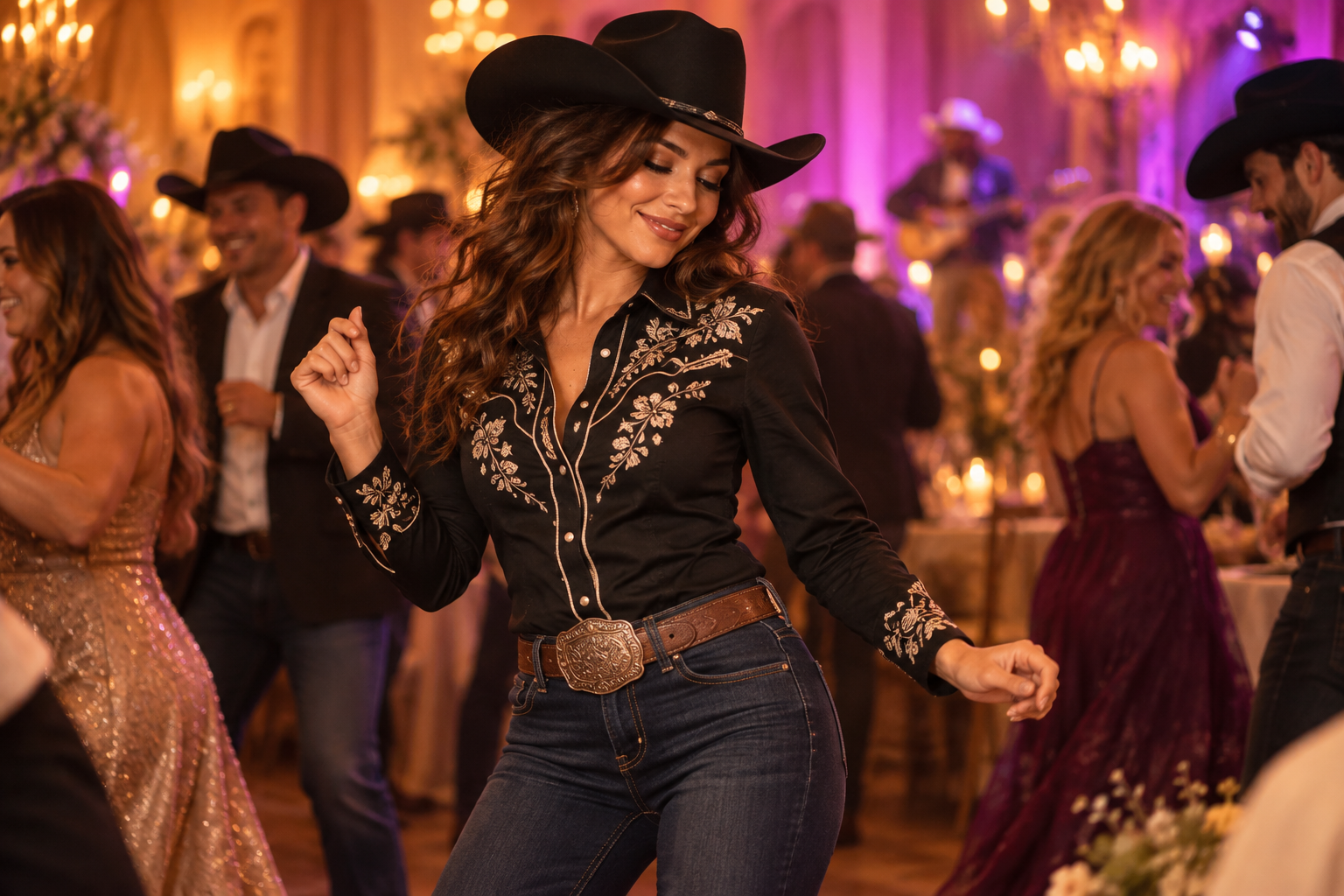
Choose one clear photo
Use a photo of one adult whose face is easy to see. Good lighting and an unobstructed face give the tool a clearer input. Avoid a group photo, sunglasses, a mask, or a heavy face filter. Use a photo you have permission to turn into a video.
1. Upload your photo
Open the maker and choose your photo. Check the preview so you know the correct file is selected. If the upload is rejected, read the message beside the field before trying again.
2. Pick your cowboy video
Download your MP4 and share your BbY WOW moment.
3. Follow its progress
After payment is confirmed, follow the video status in My videos. Queued means it is waiting to start; generating means it is being made. If the page cannot load the latest status, refresh it before placing another order.
4. Watch and download
When the video is ready, watch it all the way through. Check the face, hands, and movement, then download the MP4. If you need help with the result, include the order number when contacting support.
Download your MP4 and share your BbY WOW moment.
Download your MP4 and share your BbY WOW moment.
Questions about the cowboy version
A few details before you start.
The group chat hasn’t seen this side of you.
Pick a photo. Let your cowboy era begin.
Make my cowboy videoSee pricing